

Download VPN Mexico – connect to Mexican servers, access restricted websites, secure VPN, free unlimited VPN, protect privacy, no logs, torrent friendly, easy-to-use interface, multiple devices, region-specific content
Overview
VPN Mexico is a desktop application designed to help users connect to servers located in Mexico, enabling access to region-specific content and restricted websites. The software aims to enhance online privacy by shielding user activity from third-party tracking, making it suitable for individuals seeking anonymity while browsing. Its primary function is to route internet traffic through Mexican servers, allowing users to bypass geographical restrictions and access digital content that may be blocked in their current location.
Target users include consumers who wish to stream region-locked media, access local services, or browse the web without surveillance. The tool is also positioned as a solution for users who prioritize privacy, especially those concerned about data collection by ISPs or advertisers. It supports multiple devices, suggesting flexibility for users managing several platforms simultaneously. The software operates without requiring registration or complex configuration, allowing immediate access upon launch.
While the developer, VPN Mexico, is listed as the provider, no additional background information is available. The application is available for both Windows and Mac operating systems, indicating broad accessibility. Real-world use cases include accessing Mexican news portals, streaming services, or online banking platforms restricted to local users. It may also serve as a privacy-enhancing tool for public Wi-Fi users or individuals in regions with high surveillance.
Key Features & Capabilities
- Connect to Mexican Servers – The software provides access to multiple servers located in Mexico, enabling users to appear as if they are browsing from within the country. This feature is ideal for accessing content that is geo-restricted to Mexico.
- Secure, Free, and Unlimited Service – VPN Mexico offers a free tier with no data caps or time limits, allowing users to maintain a continuous connection without restrictions.
- Privacy Protection with No Logs Policy – The software claims to keep no logs of user activity, ensuring that browsing behavior remains private and cannot be traced or stored.
- One-Click Connection – Users can connect to a server with a single click, minimizing setup time and enhancing usability for non-technical individuals.
- Torrent-Friendly Environment – The application supports peer-to-peer file sharing, making it suitable for users who engage in torrenting while maintaining a level of anonymity.
- Multi-Device Compatibility – The software can be used across multiple devices, allowing users to protect their online activity on different platforms simultaneously.
These features collectively support scenarios such as accessing local streaming platforms, bypassing censorship, or securing internet connections on public networks. The absence of registration requirements streamlines the user experience, while the focus on privacy aligns with growing concerns about digital surveillance.
User Interface, Workflow & Performance
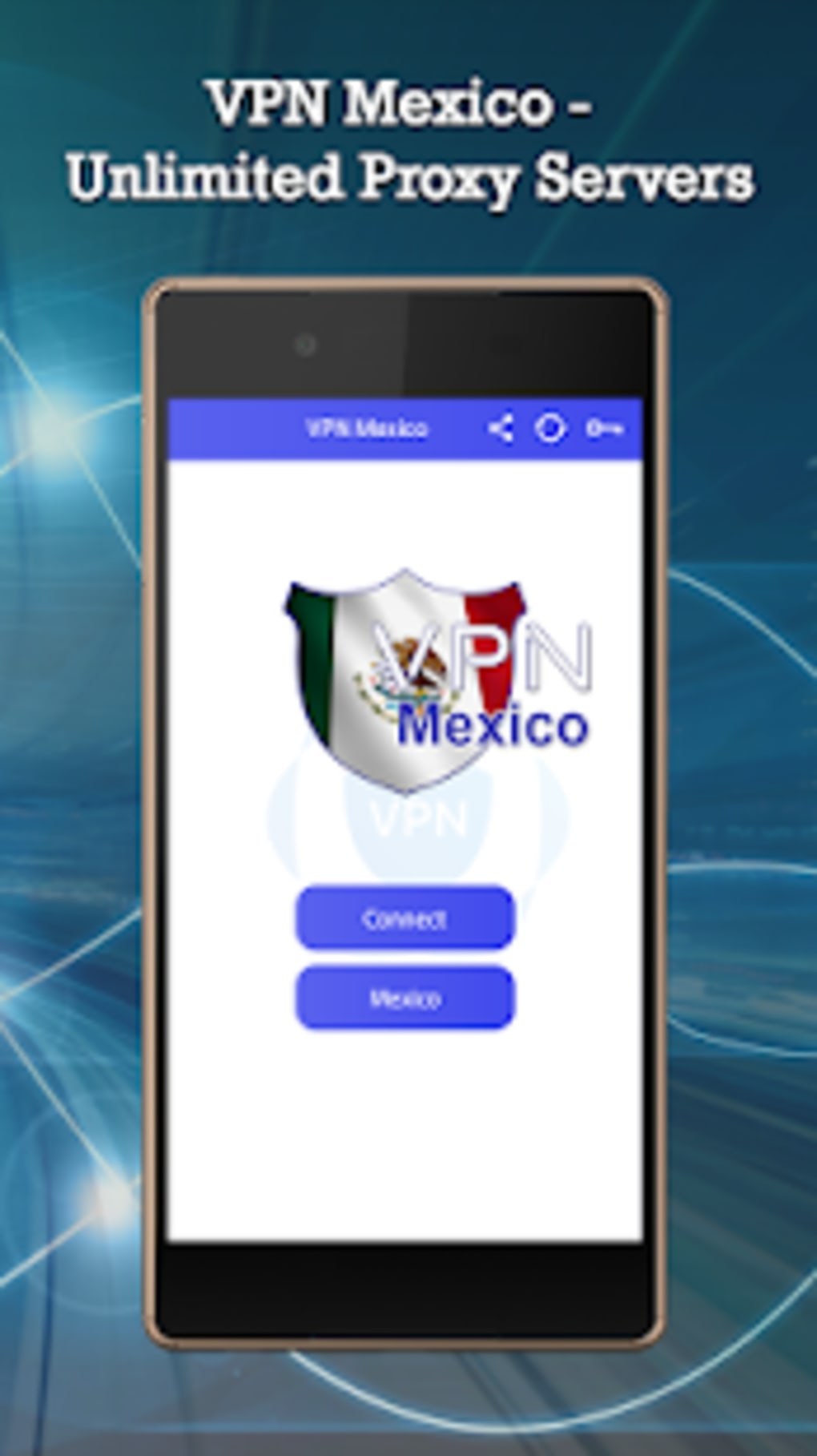
VPN Mexico features a straightforward interface designed for simplicity and immediate usability. The layout emphasizes core functions, with a primary connection button clearly displayed, allowing users to initiate a session with minimal effort. Navigation is intuitive, relying on a minimalistic design that avoids clutter, which benefits users unfamiliar with VPN technology.
The workflow is streamlined: launch the application, select a server location (within Mexico), and connect with a single click. This efficiency reduces the learning curve and supports quick access to desired content. The software does not require users to adjust advanced settings, making it accessible to casual users.
Performance details were not specified by the developer. However, based on general software behavior, the application likely maintains low latency during active connections, particularly for standard browsing and streaming. The developer did not provide information on CPU or RAM usage, nor did they share data on stability under prolonged use. Users should expect typical performance for lightweight desktop applications, but actual behavior may vary depending on network conditions and device specifications.
Compatibility & System Requirements
VPN Mexico is compatible with both Windows and Mac operating systems, offering broad accessibility across major desktop platforms. The software is available in version 2.1.0 and has a file size of 35 MB, indicating a lightweight installation that should not strain storage capacity on most devices.
Exact system requirements were not listed. The developer did not specify minimum hardware specifications such as processor speed, RAM, or disk space beyond the installation size. Compatibility information is limited to the operating systems mentioned. Users should ensure their device meets standard desktop requirements for running modern applications, though no official thresholds were provided.
Pros and Cons
Pros
- Free and unlimited usage with no data caps
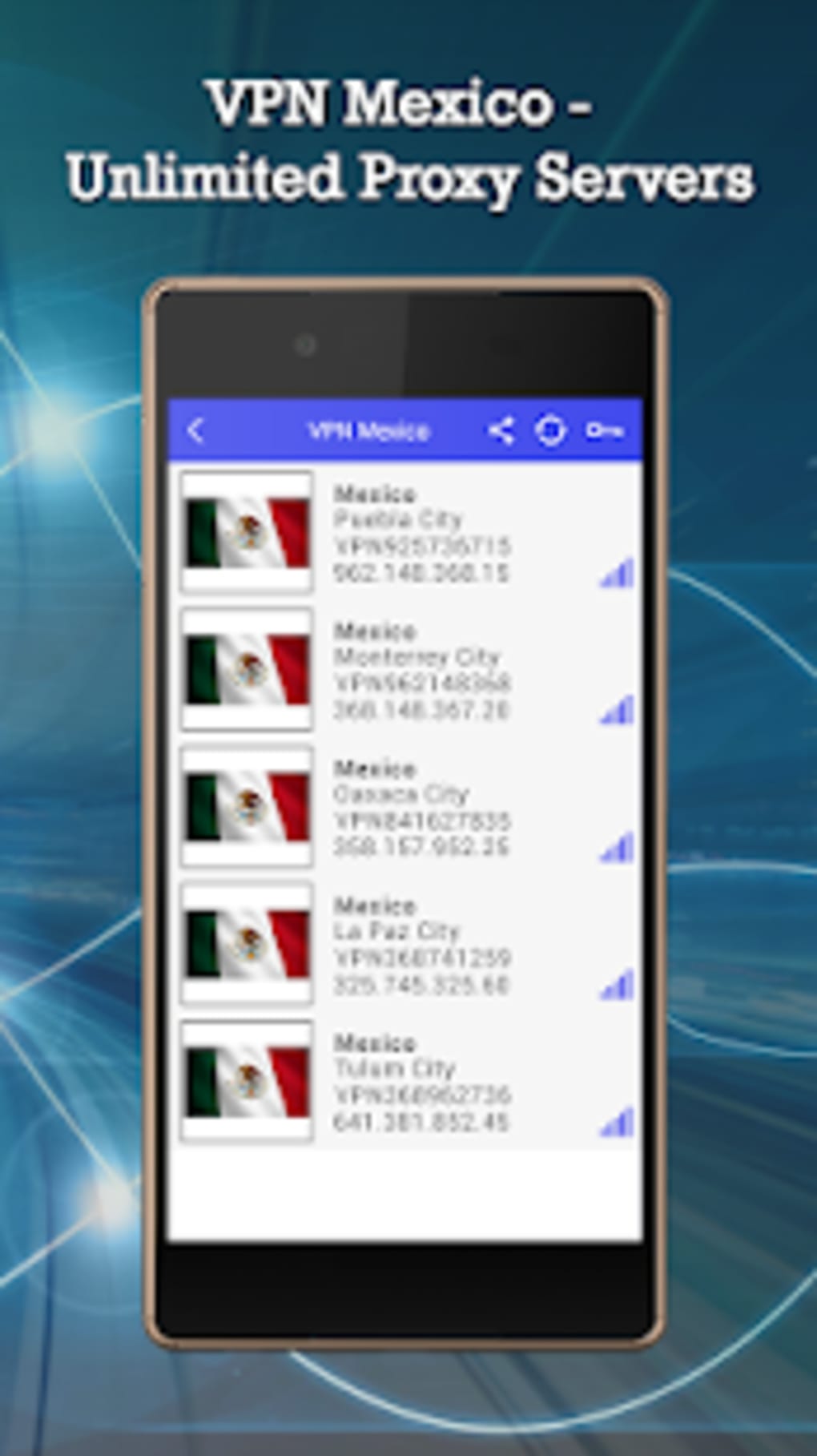
- Connects to multiple servers in Mexico for regional access
- Strong privacy focus with a no-logs policy
- Simple one-click connection for fast setup
- Torrent-friendly and suitable for P2P activities
- Multi-device support without additional cost
- No registration or personal information required
- Lightweight installation at 35 MB
Cons
- No detailed system requirements provided
- Performance and resource usage data not disclosed
- Limited information on server locations and network capacity
- Availability of support or updates not specified
- No official verification of the no-logs claim
FAQ Section
Is VPN Mexico compatible with Windows and Mac?
Yes, the software is designed to run on both Windows and Mac operating systems, as stated in the provided information.
Is the service truly free and unlimited?
According to the description, VPN Mexico offers a free, unlimited service with no data caps or time restrictions.
Does the software keep logs of user activity?
The software claims to keep no logs, which supports user privacy by not recording browsing behavior or connection history.
Can I use VPN Mexico on multiple devices?
Yes, the application supports use across multiple devices, allowing users to protect their online activity on different platforms.
Is an internet connection required to use the software?
Yes, a stable internet connection is required to establish a VPN tunnel and access the internet through Mexican servers.
Final Thoughts
VPN Mexico presents a compelling option for users seeking a simple, free, and privacy-focused solution to access region-specific content and bypass online restrictions. Its ability to connect to Mexican servers, combined with a no-logs policy and one-click functionality, makes it accessible and practical for everyday use. The lack of registration and lightweight design further enhance its appeal, particularly for users who prioritize ease of use and anonymity.
While detailed technical data on performance, system requirements, and server infrastructure is limited, the software meets core expectations for a basic desktop VPN. It is best suited for casual users, streamers, and privacy-conscious individuals who need reliable access to Mexican-based services without the complexity of advanced configurations.
For those looking for a straightforward, secure, and free tool to connect to Mexican servers and protect their online presence, VPN Mexico delivers on its core promises. Download the latest version today.
Download VPN Mexico now





.png)

